Brand
Moonlight brand guidelines
Logo assets, colors, typography, and usage rules for the Moonlight brand.
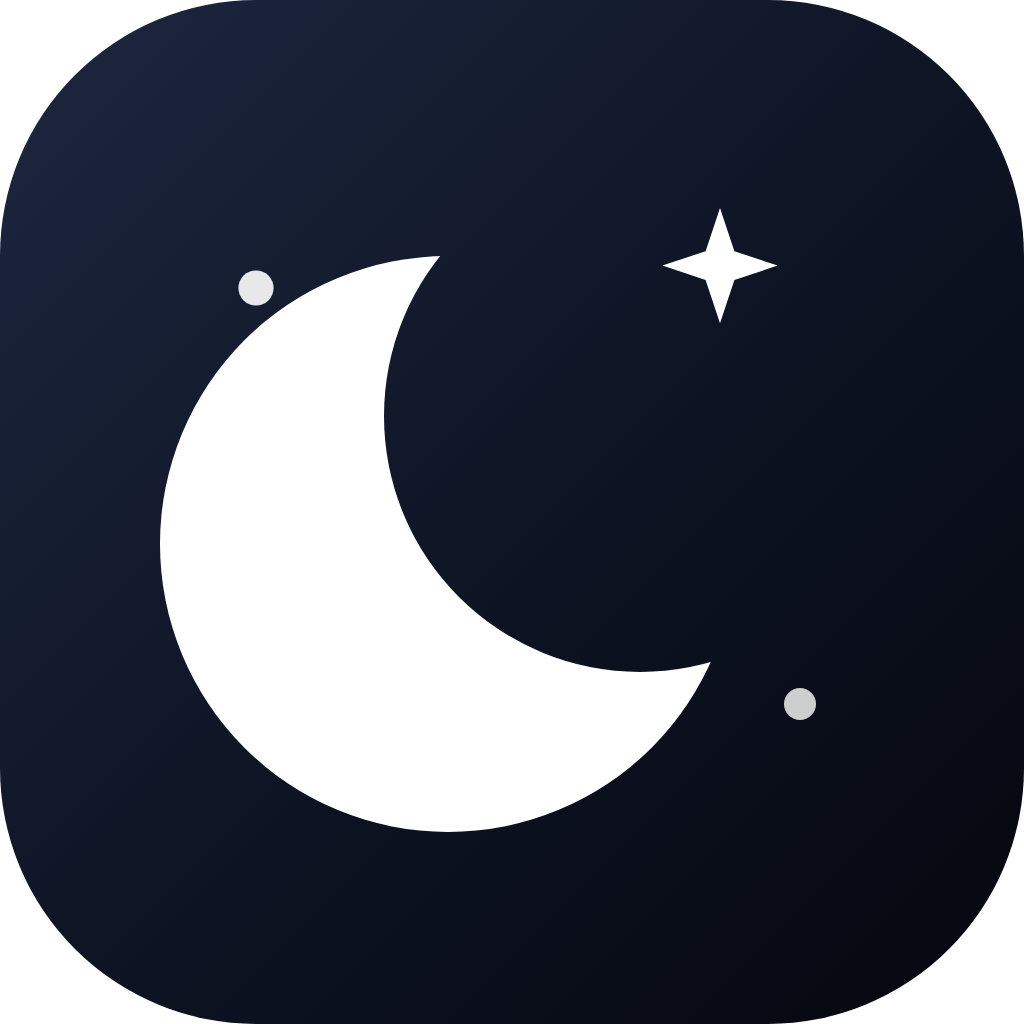
Logo mark
A crescent and one star. The first mark had extra stars, like features added to see what stuck. One star is the cut: less, on purpose.
Icon only
Icon + wordmark
On dark background
PNG assets
Pre-rendered at standard sizes for app icons, favicons, and social media.


SVG source
favicon.svg
Scalable vector. Use for web favicons and high-DPI displays

Brand colors
Night · dark sky
950
#05070e
900
#0d1322
800
#131a2e
700
#1e2740
400
#7b8db5
Brand · ink
900
#1a2e66
700
#2d4fa8
600
#3b63d1
400
#7397e8
100
#dce7fc
Moon · accent
100
#f5f7ff
200
#dce7fc
300
#b8cef8
400
#8aaff2
500
#6090eb
Typography
Heading · Montserrat
See your money in a new light.
Body · Inter
Moonlight brings calm, clarity, and context to your personal finances.
Data · tabular numerals
Net worth: $24,503.10 · ↑ 5.26%
Usage rules
Do
- ✓ Use the SVG favicon for web at all sizes. It scales perfectly.
- ✓ Use the 1024 × 1024 PNG for app stores and marketing materials.
- ✓ Pair the mark with the Montserrat wordmark 'Moonlight' when space allows.
- ✓ Keep the icon on dark (night-900) or light (white) backgrounds only.
- ✓ Keep one star. That is the whole point of the mark.
Don't
- ✗ Don't recolor the icon. The gradient is part of the identity.
- ✗ Don't crop or alter the rounded-rectangle container shape.
- ✗ Don't place the wordmark below the mark. It always sits to the right.
- ✗ Don't use brand color for more than 10% of visible pixels.
- ✗ Don't add extra stars or dots. The early mark already tried that.